Seedream 5.5 and Adobe × Google: AI image editing news
ByteDance's Seedream 5.5 keeps an image stable over 100 edits and makes transparent PNGs; Adobe brings its tools to Gemini, Gmail and Google Search.
By Olena, me20 Studio · 3 min read
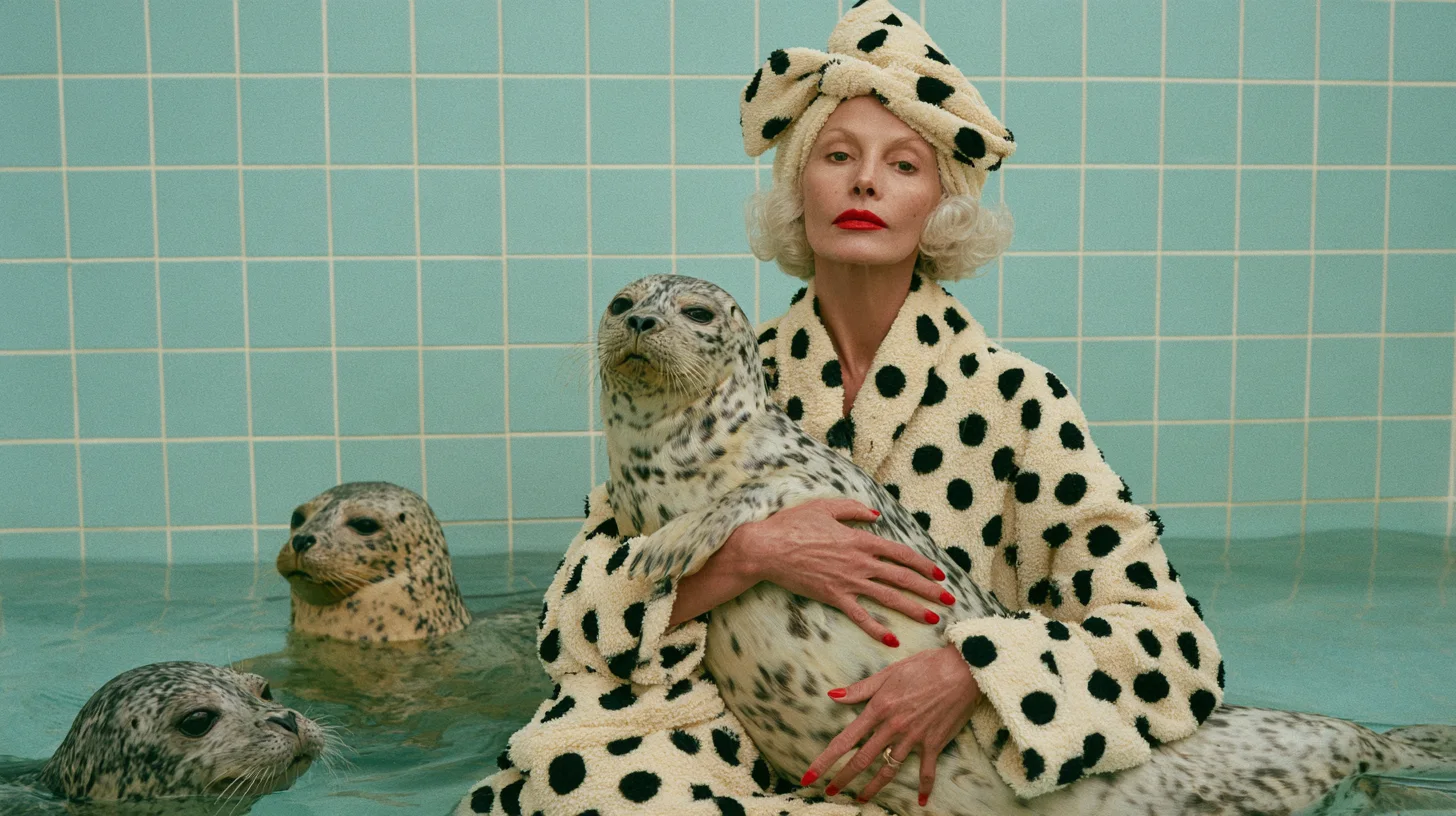
Two pieces of AI image news landed since our last post. ByteDance released Seedream 5.5, an image model that it says can edit one picture 100 times in a row without the untouched parts drifting, and that can output images with transparent backgrounds. And Adobe and Google announced a deeper partnership that puts Adobe tools inside Gemini, Gmail and Google Search.
What is new in Seedream 5.5?
Seedream 5.5 is ByteDance's newest image model, announced on 9 November, built for long chains of edits. According to ByteDance, as reported by The Next Web:
- 100 edits, one image. The same picture can be edited 100 times in a row; the parts you don't touch stay identical "down to the pixel", with no colour shifts.
- Transparent backgrounds. The model can create images with a transparent background, ready to drop onto a layout.
- Skin, light and small text. ByteDance says it renders them more realistically; serious text errors appeared in 0.4% of its test images.
- Benchmarks. In ByteDance's own tests it beat GPT Image 2.5 and Nano Banana 2.1 on text and realism. These results have not been checked independently.
Can you use Seedream 5.5 today?
Not easily outside China yet: Seedream 5.5 is rolling out slowly in ByteDance's Chinese apps Doubao and Jimeng and on its Volcengine cloud, and a Pro version is coming, with no date given. No international price has been published.
The previous generation is already within reach: Seedream 5.0 Pro is one of the models on Higgsfield, so you can test ByteDance's image line in a familiar tool while 5.5 reaches international platforms.
What did Adobe and Google announce?
On 10 November, at Adobe MAX, the two companies expanded their partnership in both directions. Adobe customers can already use Google's Gemini Omni, Veo and Nano Banana models, and Google's latest image and video models will keep coming to Firefly, Photoshop, Adobe Express and Premiere. Adobe also says:
- Acrobat will be available in Google Drive and Gmail, with an "Edit with" option in file previews.
- Adobe tools in Gemini will expand beyond the current connectors, so you can enhance images, customise designs and work with PDFs inside a conversation.
- AI Mode in Google Search will get Adobe's creative tools, to go from searching for an idea to making it in one place.
- Photoshop and Google DeepMind are exploring near-real-time editing, where you adjust an image with a prompt and pick between variants.
No dates, regions, plans or prices were given for the new integrations.
What should brands and creators do now?
Treat both stories as a signal that editing, not generation, is where image AI is heading. A practical way to prepare:
1. Keep a clean master photo of every product: the real one, shot once, used as the base for every edit. 2. Write edits as one change per step ("swap the background", then "warm the light") and compare each round with the master. 3. Ask for transparent PNGs when an image will go onto a banner, a marketplace tile or a deck. 4. Upscale only the final with a precise upscaler like Magnific, not every draft.
Want product visuals that stay true through every edit? See our image work or tell us about your project.
P.S. The caption under the cover image is a ready-to-use prompt. Copy it into Midjourney, Higgsfield or any image generator and make your own version.