Camera moves for AI video prompts: a glossary of 12 terms
Pan, tilt, push-in, orbit, tracking: 12 camera moves for AI video prompts, what each one does and which brand shot it suits, in plain words.
By Olena, me20 Studio · 3 min read
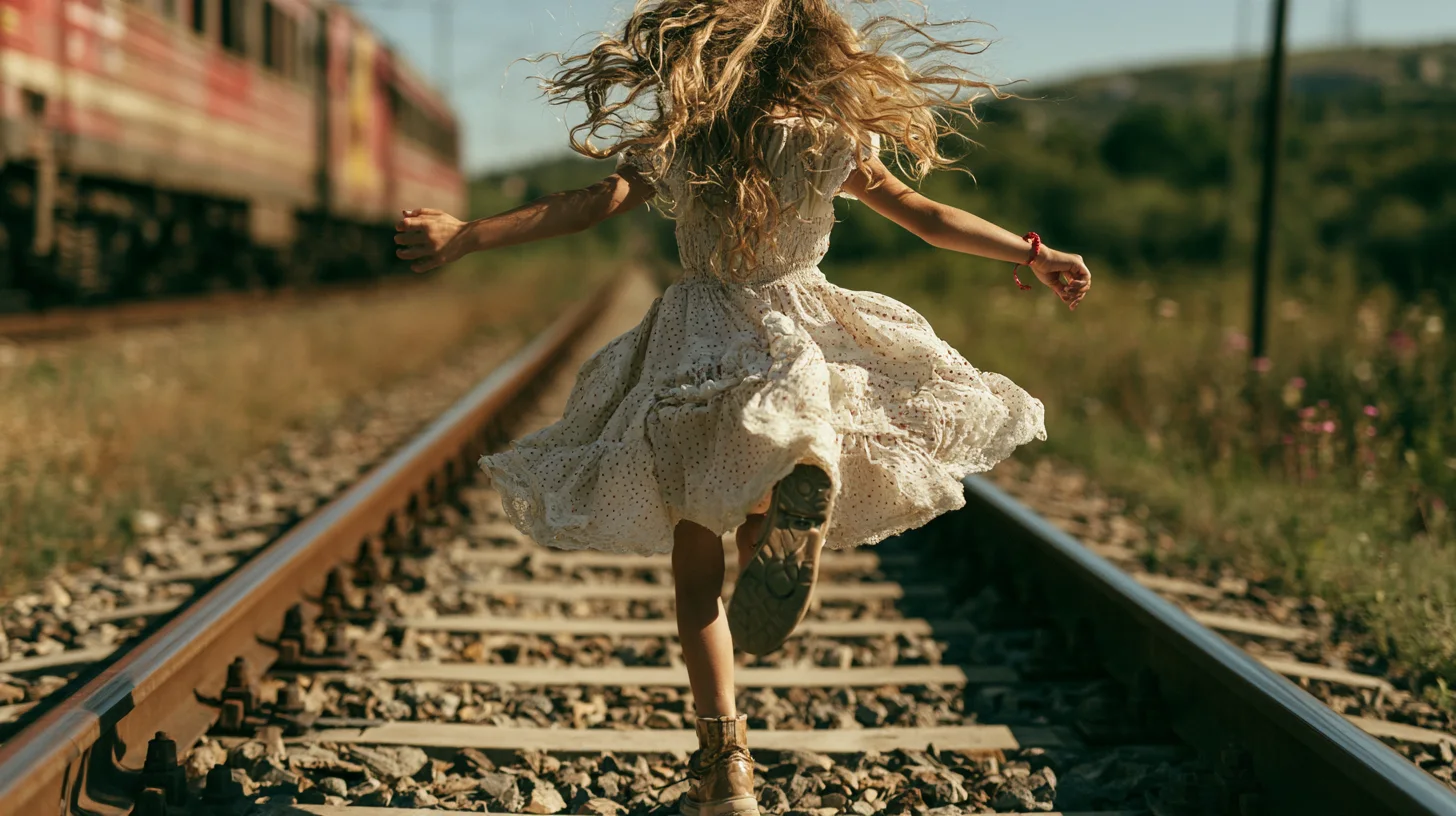
Camera moves in AI video prompts are the filmmaking words that tell the model how the camera behaves: still, handheld, turning on the spot, travelling through space or circling the subject. Name one clear move per shot, in plain physical words, after the subject's action. Here are 12 terms, grouped by what they do.
How should you write a camera move in an AI video prompt?
Write the camera move as its own short phrase, after what the subject does.
- Runway's Gen-4 prompting guide suggests building a prompt in this order: subject motion, camera motion, scene motion, then style.
- One generation = one scene, with no cuts.
- Say what the camera does, not what it doesn't: the guide's example is "Locked camera. The camera remains still." instead of "No camera movement."
Locked and handheld: still camera or living camera?
First decide: does the camera stay still or move like it is held by a person?
- Locked (static) camera — the frame does not move; only the subject and the scene do. Good for packshots and product loops.
- Handheld — slight, natural shake, as if someone is holding a phone. Luma's guide suggests it for UGC-style, social and documentary looks.
Pan, tilt and roll: turning the camera on the spot
Pan, tilt and roll rotate the camera from a fixed point without moving it through space.
- Pan — turns the camera left or right, e.g. across a landscape or a shop window.
- Tilt — turns the camera up or down, e.g. from shoes to face.
- Roll — rotates the frame around the lens axis; a stylised effect, use sparingly.
Runway's Camera Control tool uses exactly these definitions for its Pan, Tilt and Roll sliders.
Push-in, pull-out, trucking and crane: moving through space
These moves travel the camera, so the perspective changes.
- Push-in (dolly in) — the camera glides towards the subject; Luma suggests it for emotional beats and product close-ups.
- Pull-out (dolly out) — the camera moves away, revealing where the subject is.
- Trucking — the camera slides sideways, parallel to the scene.
- Crane (pedestal) — the camera rises or descends; useful for establishing shots and reveals.
Tracking, orbit and FPV: following and circling the subject
Here the camera follows the subject or flies around it.
- Tracking — the camera moves alongside or behind a moving subject at a steady distance, like the runner on our cover.
- Orbit — the camera circles the subject and keeps it in focus; Luma recommends it for product reveals and hero shots.
- FPV — fast, drone-like flight through a space, for high-energy brand work.
Kling 4.0 lists push-in, pull-out, pan, trucking, tracking and orbit among the camera moves it can follow, and it also accepts keyframes to fix where a shot starts and ends.
Which move for which brand shot?
Match the move to the job of the shot.
- Product hero: orbit or slow push-in.
- Packshot loop: locked camera, subject or light moves.
- Fashion or lifestyle: tracking or handheld.
- Location or launch opener: crane or pull-out.
Planning a longer clip? See our 30-second product video workflow in Kling 4.0 and the AI image terms glossary. Our films are in the video portfolio. Want a brand film with camera work planned shot by shot? Tell us about your project.
P.S. The caption under the cover image is a ready-to-use prompt. Copy it into Midjourney, Higgsfield or any image generator and make your own version.