Kling 4.0 for product video: plan a 30-second clip
Kling 4.0 makes 30-second clips with up to 10 keyframes and 15 references. Here is how to plan a product video around beats, references and camera.
By Olena, me20 Studio · 3 min read
Kling 4.0, released on October 15, 2026, can generate a product video of up to 30 seconds in one pass, steered by up to 10 keyframes and 15 references. That is long enough for a whole short ad, so the work moves from "get one good shot" to planning: split the 30 seconds into beats, give every reference a clear job, and name the camera moves.
What changed in Kling 4.0 for product video?
Kling 4.0 is built for longer, more controlled clips rather than single striking shots.
- Up to 30 seconds of video in a single generation; extensions of up to two minutes are announced as coming soon.
- Up to 10 keyframes to fix key moments, character states and scene changes.
- Omni Reference: up to 15 references in total — up to 10 images, 5 videos and 7 subjects, including character sheets, storyboards and wireframes.
- Camera language: push-ins, pull-outs, pans, trucking, tracking and orbit shots, with prompts of up to 8,000 tokens.
- 4K, 1080p, 21:9 and 10-bit HDR are listed in the launch release as formats the model "will also support".
Plan the 30 seconds as beats
A 30-second product clip works best as four or five beats, each with one job. For example:
- 0–5 s — the hook: the product appears in an unexpected setting.
- 5–15 s — the detail: texture, material, how it opens or moves.
- 15–25 s — use: a hand, a person, the product in its real context.
- 25–30 s — the end frame: a clean packshot with room for the logo and offer.
Each beat change is a natural place for a keyframe. Describe what the frame should look like at that moment, not only what happens in between.
Give every reference one job
References work best when each one has a single, stated role. Use product photos for the exact shape and label, a character sheet for the person, and a short video for the camera move or pacing you want. Kling 4.0 can also take a reference video and replace the product in it.
Name the camera moves
Write camera moves with the same words a director would use: "slow push-in on the cap", "orbit around the bottle", "tracking shot alongside the runner". Kling 4.0's launch release lists exactly these moves as ones the model understands.
Check before you deliver
AI video still needs a human check before it goes live. Look at the label and logo in every beat, the colour of the product against the real one, hands and small text, and whether the end frame fits the placements you need — see our aspect ratio cheat sheet.
For more on the release itself, see our October tools roundup, and our video portfolio shows how short brand films come together. Planning a product video? Tell us about your project.
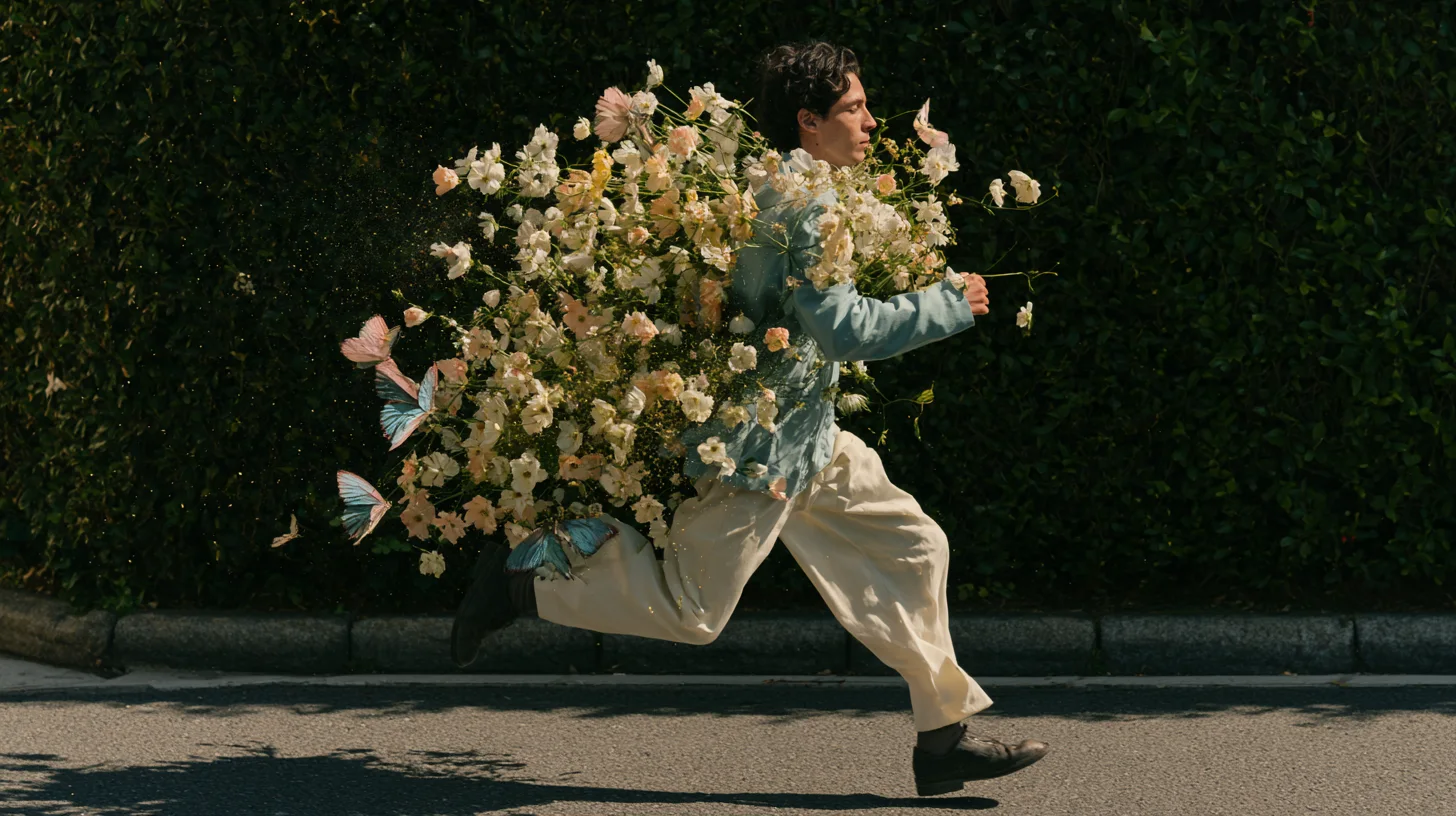
P.S. The caption under the cover image is a ready-to-use prompt. Copy it into Midjourney, Higgsfield or any image generator and make your own version.