Aspect ratios for AI campaign images: one shot, every format
Which aspect ratio to use for YouTube, Reels, online shops and print, and how to plan one AI campaign image that crops cleanly into every format.
By Olena, me20 Studio · 3 min read
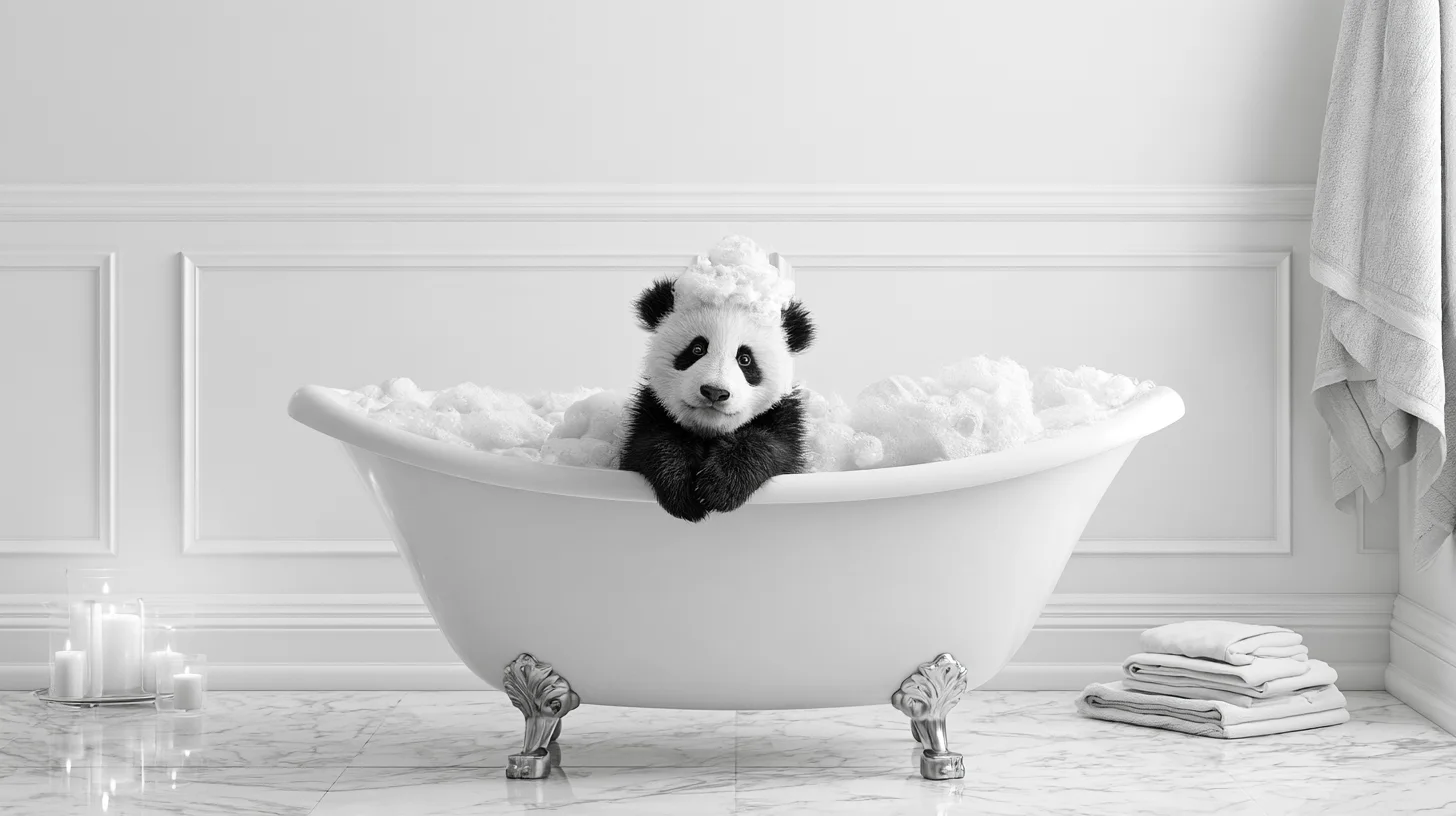
The aspect ratio is the shape of an image — width to height — and for a campaign you should choose it before you generate, not after. Plan a wide master image with the product in the centre and plenty of empty space around it, then crop it for each placement; vertical video gets its own version.
What is an aspect ratio?
An aspect ratio describes the shape of an image, not its size. A 9:16 frame can be 1080 × 1920 pixels or twice that — the shape stays the same. Midjourney makes square 1:1 images by default; you set another shape with --ar, for example --ar 16:9, or save a default in settings. Its docs are clear that aspect ratio is not the same as image dimensions.
Cheat sheet: common ratios by placement
Most campaigns need only four or five shapes. Here is what official help pages recommend:
- 16:9 — YouTube video and website banners. It is YouTube's standard on desktop, for example 1920 × 1080.
- 9:16 — Shorts, Reels, Stories and vertical ads. Google calls 9:16 the best fit for Shorts, at 1080 × 1920.
- 1:1 — shop product images. Shopify says 2048 × 2048 usually displays best.
- Landscape or square — Etsy listing photos, at least 2000 pixels wide and high.
- About 1:1.41 — print in A-sizes (A4, A3): every A-size has the same shape.
How to plan one image for every format
The trick is to design for the crop. Generate a wide 16:9 master, keep the product or face in the middle third, and leave calm, empty space on all sides. Etsy gives the same advice for product photos: shoot from further back than you think, centre the item and leave a border so thumbnails can crop it.
- Keep text, prices and logos out of the image itself and add them in layout, so each format gets its own placement.
- Respect safe zones: Pinterest, for example, lists margins at the top and bottom where text may be hidden by the interface.
- Use one ratio for all main shop images, so products line up evenly on collection pages (Shopify's advice).
Crop, extend or regenerate?
Use the smallest change that keeps the composition intact:
- Crop when the shapes are close. A 1:1 crop of a 16:9 image keeps a little over half of its width — fine if the subject sits in the centre.
- Extend when you need more space around the subject. Midjourney's Editor lets you pick a new ratio and generate the missing area; pan and zoom out do the same.
- Regenerate for a very different shape. A 9:16 crop of a 16:9 image keeps less than a third of the width, so a vertical video needs its own composition.
Need a campaign set for every format? Tell us about your project.
P.S. The caption under the cover image is a ready-to-use prompt. Copy it into Midjourney, Higgsfield or any image generator and make your own version.