How to brief an AI product photoshoot: a practical checklist
What to send before an AI product photoshoot: clear product photos, references, light, formats and usage. A short brief that saves rounds of edits.
By Olena, me20 Studio · 3 min read
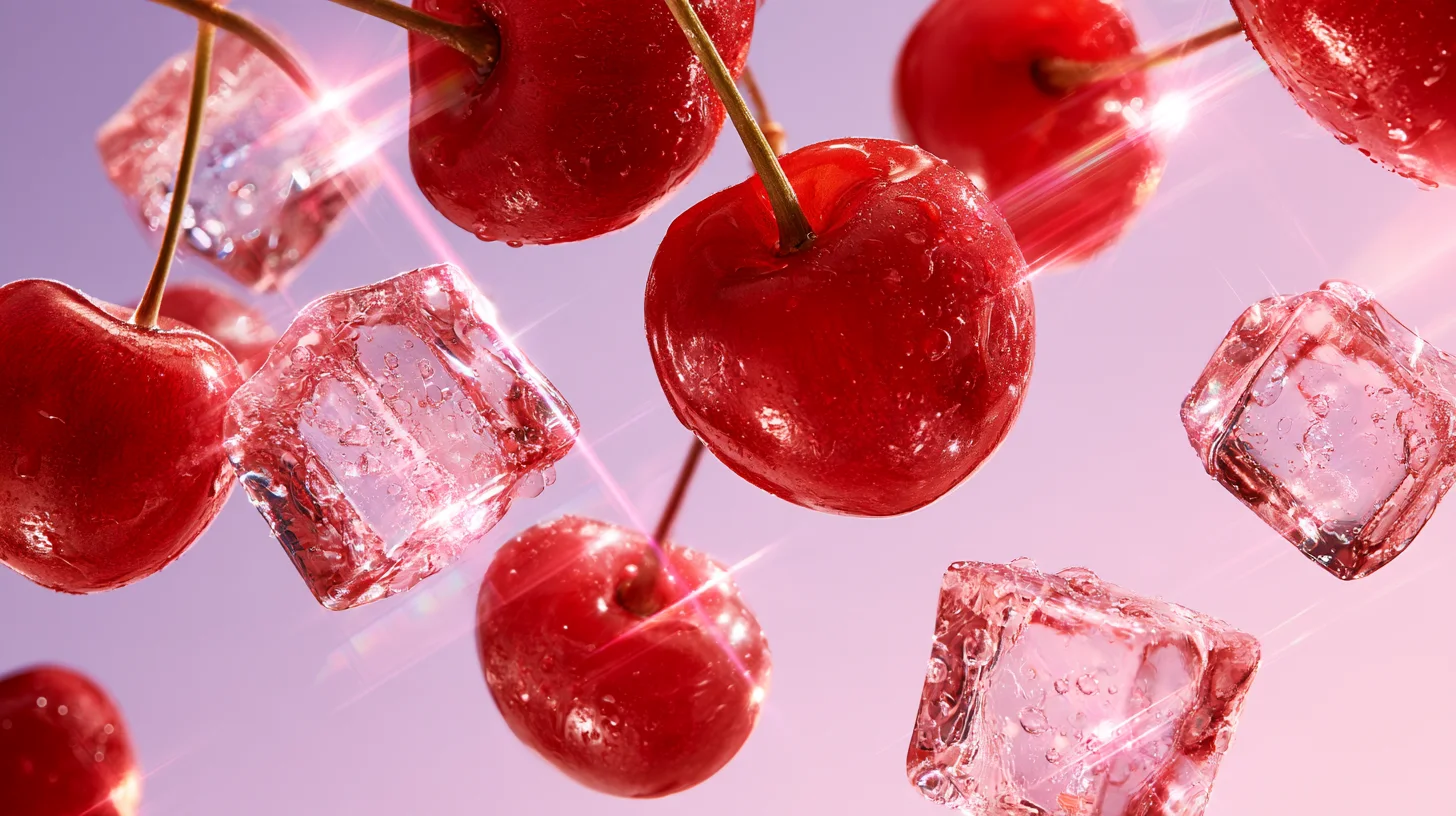
A good brief for an AI product photoshoot answers five things: what the product looks like from every side, the mood you want, the light, the formats, and where the images will be used. Send clear photos of the real product plus two or three reference images, and the first round of results will already be close to the final.
Start with clean photos of the real product
The product photos are the most important part of the brief. AI tools build the new image from the references you give them, so the product has to be easy to read: front, back, side, top, and a close-up of the logo, label or texture.
Shoot on a plain background in daylight, with nothing covering the product. A phone is fine. Add the exact colour (a Pantone or HEX code if you have one) and the real size, so a 30 ml bottle doesn't end up looking like a litre.
Show the mood with references, not adjectives
Two or three reference images say more than a paragraph of "premium, fresh, minimal". Pick pictures for one clear reason each: one for the light, one for the colours, one for the composition. Write that reason next to each picture.
In Midjourney, for example, an image added to the prompt can influence the content, composition and colours of the result, and the image weight setting controls how strongly it does. Its Edit model can combine up to four reference images into one new scene.
Describe the light and the setting
Light decides whether a product looks cheap or premium. Say what you want in plain words: soft and even like a studio, hard sun with sharp shadows, warm evening light, glossy reflections for glass and metal.
Then the setting: a seamless colour backdrop, a bathroom shelf, a beach, a kitchen table, hands holding the product. Mention what must never appear — competitor products, certain colours, text.
List formats and where the images will live
Write down every place the images will go and the format each one needs:
- 1:1 or 4:5 for marketplace cards and feed posts;
- 9:16 for Stories, Reels and TikTok;
- 16:9 for website banners and video covers;
- large print sizes for posters or packaging.
Midjourney makes square images by default, and the aspect ratio is set with the --ar parameter, so it is easiest to plan formats before generating, not crop afterwards. Images for print usually need upscaling at the end, for example with Magnific or Topaz Labs.
A one-page brief template
- Product: name, size, exact colours, 5+ clear photos.
- Goal: launch, marketplace, ads, seasonal campaign.
- Mood: 2–3 references, each with one note.
- Light and setting: in plain words, plus what to avoid.
- Formats and usage: list with sizes.
- Deadline and number of final images.
Ready to plan a product shoot? Tell us about your project.
P.S. The caption under the cover image is a ready-to-use prompt. Copy it into Midjourney, Higgsfield or any image generator and make your own version.