AI image glossary: 12 terms clients ask about, explained
Seed, style reference, inpainting, outpainting, upscaling and more: 12 AI image terms in plain words, so briefs and feedback get easier for everyone.
By Olena, me20 Studio · 3 min read
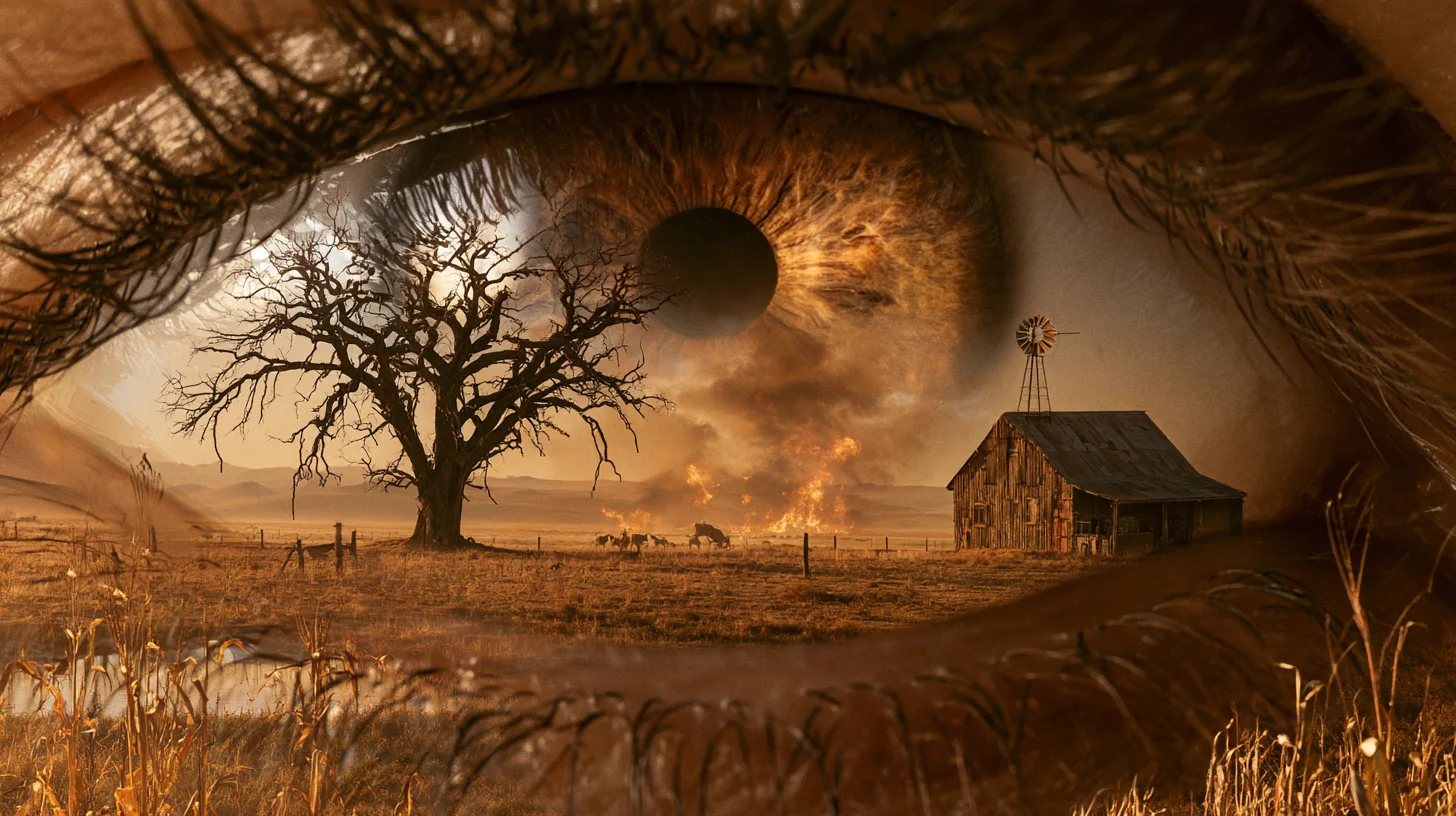
AI image work has its own vocabulary, and knowing a dozen words is enough to brief and give feedback with confidence. Below are 12 terms clients ask us about most — from prompt and seed to inpainting and upscaling — each explained in one or two plain sentences, grouped by the stage of a project where you meet them.
Words for describing the image
These four terms describe how you tell an AI model what to make.
- Prompt — the text description of the image: subject, setting, light, mood and format.
- Image prompt — a picture added to the prompt. In Midjourney it influences content, composition and colours; the image weight (--iw) sets how strongly.
- Style reference — a picture used only for its look. Midjourney's docs say it carries colours, medium, textures and lighting but "doesn't copy objects or people". Style weight (--sw) runs from 0 to 1000, default 100.
- Seed — the number behind the starting noise of a generation, from 0 to 4294967295 in Midjourney. Fixing it helps when you test small prompt changes, but it does not save a style or a character, and results may still differ between sessions.
Words for size and format
These three terms decide whether an image fits its final place.
- Aspect ratio — the shape of the frame, such as 1:1, 4:5 or 16:9. It is not the pixel size: Midjourney notes that "aspect ratio isn't the same as image dimensions".
- Resolution and DPI — resolution is the pixel count; DPI is how densely those pixels are printed. Around 300 DPI is the usual benchmark for print.
- Upscaling — enlarging an image with AI. Magnific has two approaches: Precision keeps the image faithful, while Creative adds new AI detail.
Words for editing
These three terms describe changes to an image you already like.
- Inpainting — selecting one area and regenerating only it, for example to swap a background object or fix a hand.
- Outpainting — extending the image beyond its borders. Midjourney's Editor does this when you resize the canvas to a new ratio and let it fill the new area.
- Variations — new versions of the same image with small or large differences, useful for choosing between options.
Words for delivery
These two terms matter once the image leaves the studio.
- AI label (IPTC metadata) — a tag stored inside the file. The value trainedAlgorithmicMedia marks a fully AI-generated image; compositeWithTrainedAlgorithmicMedia marks a photo edited with AI. Google Merchant Center requires the first for AI product images.
- Brand kit — saved brand rules (colours, typography, logo use) that some tools apply to every generation, such as the Brand Kit in Magnific One.
How to use this glossary
You don't need to learn the tools — only the words that describe what you want. A good brief names the format, the references and their role, and the edits you expect. You can see how these pieces come together in our imagery portfolio.
Want help turning an idea into a clear brief? Tell us about your project.
P.S. The caption under the cover image is a ready-to-use prompt. Copy it into Midjourney, Higgsfield or any image generator and make your own version.