ChatGPT Images 2.6: GIFs and saved references, explained
ChatGPT Images 2.6 turns a prompt, photo or sketch into an editable GIF and saves reference images. What's new and how brands can use it now.
By Olena, me20 Studio · 3 min read
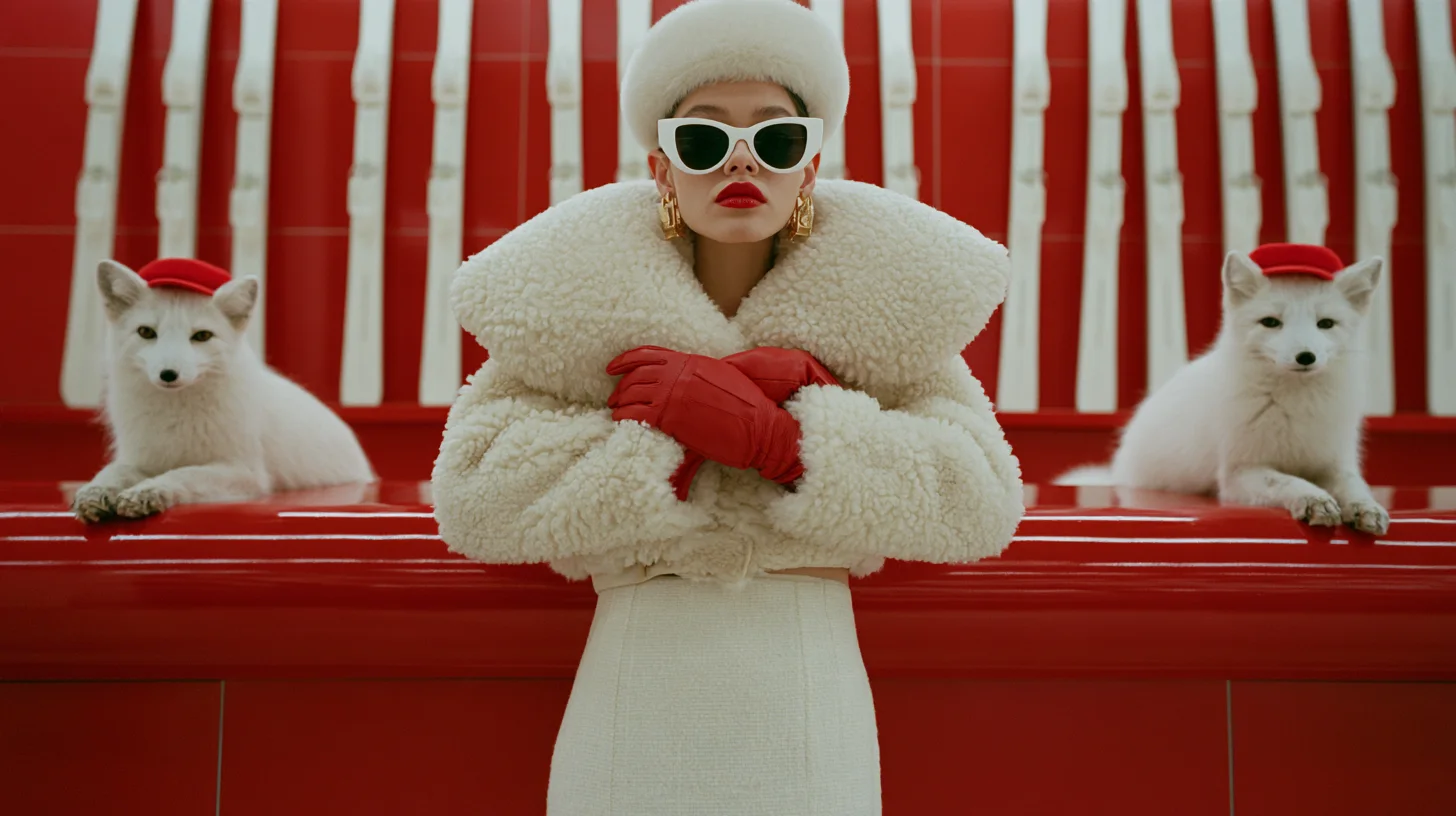
OpenAI released ChatGPT Images 2.6 on 4 November 2026. The headline feature: ChatGPT can now turn a text prompt, a photo or a sketch into an animated GIF in one step, and you can change its speed and edit single frames. It also lets you save reference images of people, pets and characters, and two faster image models are coming to the API.
What's new in ChatGPT Images 2.6?
Images 2.6 is the third big image update in ChatGPT this year, after Images 2.0 in April and 2.5 in September. OpenAI announced three things:
- GIFs — a prompt, photo or sketch becomes a short looping animation
- saved reference images — keep a person, pet or character ready to reuse
- faster generation in ChatGPT, plus two new API models, Flare and Sunburst
It is rolling out in ChatGPT and Codex on web, desktop and mobile. Reports say GIF creation is arriving gradually, so it may not be in every account on day one.
How do GIFs work in ChatGPT?
You describe the animation or upload an image, and ChatGPT builds a short loop. In OpenAI's words, you can then "adjust the speed, edit individual frames, and share it on repeat." Until now, ChatGPT could not make a GIF in one step.
OpenAI's own examples are practical: animating a brand mascot, reaction GIFs and memes, and animated storyboards to test an idea before generating a full video. OpenAI has not published limits on GIF length, frame count or resolution yet.
Saved references: characters you don't re-upload
You can now keep reference images of yourself, pets and characters and reuse them in new images "no need to upload them again," as OpenAI puts it. Early reports say you can call a saved character by name in a prompt instead of attaching the photo every time.
Flare and Sunburst: two faster models for developers
OpenAI says two new API models, GPT-Image-2.6 Flare and GPT-Image-2.6 Sunburst, generate images about 50% faster. Flare is built for speed — reports say as little as six seconds at low quality — while Sunburst aims at higher quality and more consistent edits. Some developers already say low- and medium-quality images cost more than with the previous model; OpenAI has not commented.
How brands can use it this week
Start small and keep the real product safe:
- Mascot loop — save your mascot as a reference, then ask for a 2–3 second wave, blink or jump for stickers and social replies.
- Motion test — turn one storyboard frame into a GIF to check the movement; if it works, make the full shot in Runway or Higgsfield.
- Email and banner loops — a small product reveal works well as a GIF, but make the first frame strong on its own, because some apps show only that frame.
- Check every frame — product shape, logo and colour must stay identical from frame to frame.
More on planning motion: our storyboard to AI video checklist and our AI video portfolio. Want a mascot, loop or full AI film for your brand? Tell us about your project.
P.S. The caption under the cover image is a ready-to-use prompt. Copy it into Midjourney, Higgsfield or any image generator and make your own version.