Kling Image 4.0 and HeyGen Avatar 6: 8K images, 2K avatars
Kling Image 4.0 promises native 8K images with up to 2,000 characters of text; HeyGen Avatar 6 makes a 2K talking video from one photo. What it means.
By Olena, me20 Studio · 3 min read
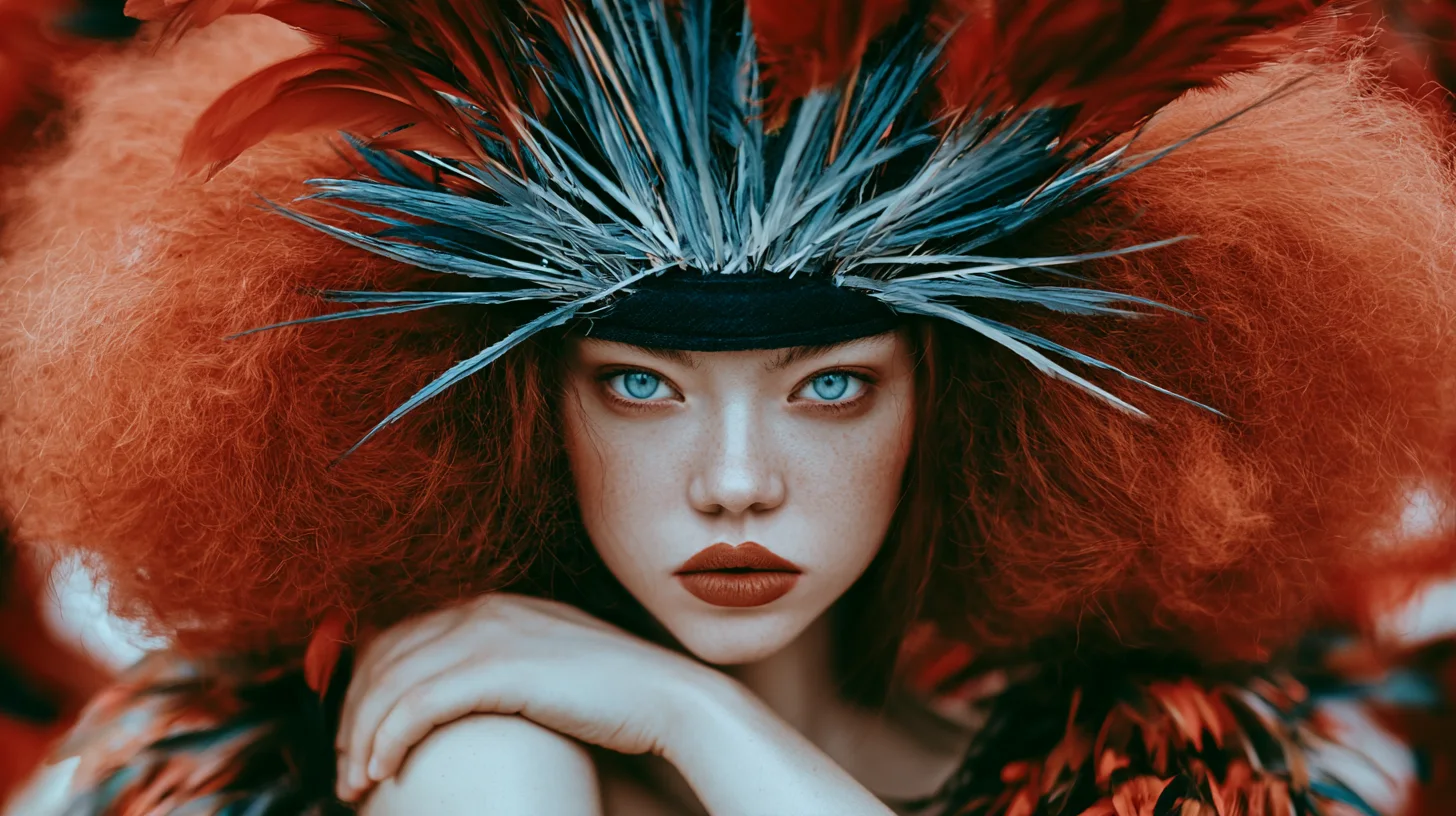
Two realism upgrades landed this week. On 17 November Kling announced Kling Image 4.0, which it says makes native 8K images with up to 2,000 characters of text and up to 10 matching images per prompt. The same day HeyGen published Avatar 6, which turns one photo into a 2K talking video that follows your audio.
What is new in Kling Image 4.0?
Kling Image 4.0 is the new image model from Kling, the platform behind the Kling 4.0 video model, built for photo-like realism and long text. According to Kling's press release:
- Native 8K. Kling calls it the industry's first image model with native 8K output, so details hold in close-ups and heavy crops.
- Text in the picture. Up to 2,000 characters in one image, 70+ preset fonts, your own font reference images, and seven languages, including English, Spanish and Japanese.
- Editable layers. Text and image sit on separate layers, and you can change the words and font after generation.
- Sets of up to 10. One prompt can return up to 10 images with the same style and subject, for storyboards, product angles or a long product page.
What do we still not know about Kling Image 4.0?
The release gives no price, no credit cost, no list of plans and no API details. Its only benchmark line cites the Artificial Analysis leaderboard for "Kling Image 4.0 Preview", so treat the ranking as Kling's own claim until independent tests appear.
What is HeyGen Avatar 6?
Avatar 6 is HeyGen's new avatar model: one photo (plus an optional short recording of you) becomes a video that speaks your script, with gestures that match the words. HeyGen's research page lists:
- 2K frames. Every frame is generated at 2880×1620; you export in 1080p or 2K.
- No fixed length. The video runs as long as the audio; HeyGen shows examples of 25–28 minutes in one take.
- Gestures on cue. Pointing and counting come from context, or you steer them with a prompt like "On 'Hello', give a thumbs up".
- Realism. In HeyGen's own side-by-side tests, viewers found it indistinguishable from real footage 84.4% of the time.
How can you try Avatar 6?
Avatar 6 works in the HeyGen app and through the API (models heygen-avatar-6 and heygen-avatar-6-turbo). HeyGen says the first video is free with no card; plans start at $29 a month for 600 credits. According to PricingSaaS, the Creator plan now offers Avatar 6 Turbo and the Pro plan adds Avatar 6 Pro, at unchanged prices. Avatars of real people go through HeyGen's consent check, and in the API, video references of real people are for Enterprise only.
What should brands and creators do now?
Use Kling Image 4.0 for matching image sets and Avatar 6 for presenter videos. Keep a human check on both:
- Plan sets, not single images. Write one prompt for a full product-page set and compare all 10 frames side by side.
- Proofread every letter. Even with 2,000 characters, check names, prices and legal lines; see our guide to readable text on AI images.
- Record or generate a clean voice first. Avatar 6 follows the audio, so a good voiceover from ElevenLabs or your own microphone sets the quality.
- Get consent in writing before you build an avatar of a real person, and label AI video where the platform asks.
Need a matching image set or a presenter video without a shoot? See our image work and video work, or tell us about your project.
P.S. The caption under the cover image is a ready-to-use prompt. Copy it into Midjourney, Higgsfield or any image generator and make your own version.