Text on AI images: how to prompt readable headlines
How to get readable text on AI images: when to generate it, how to quote and shorten it, how to describe the type and fix the letters that go wrong.
By Olena, me20 Studio · 3 min read
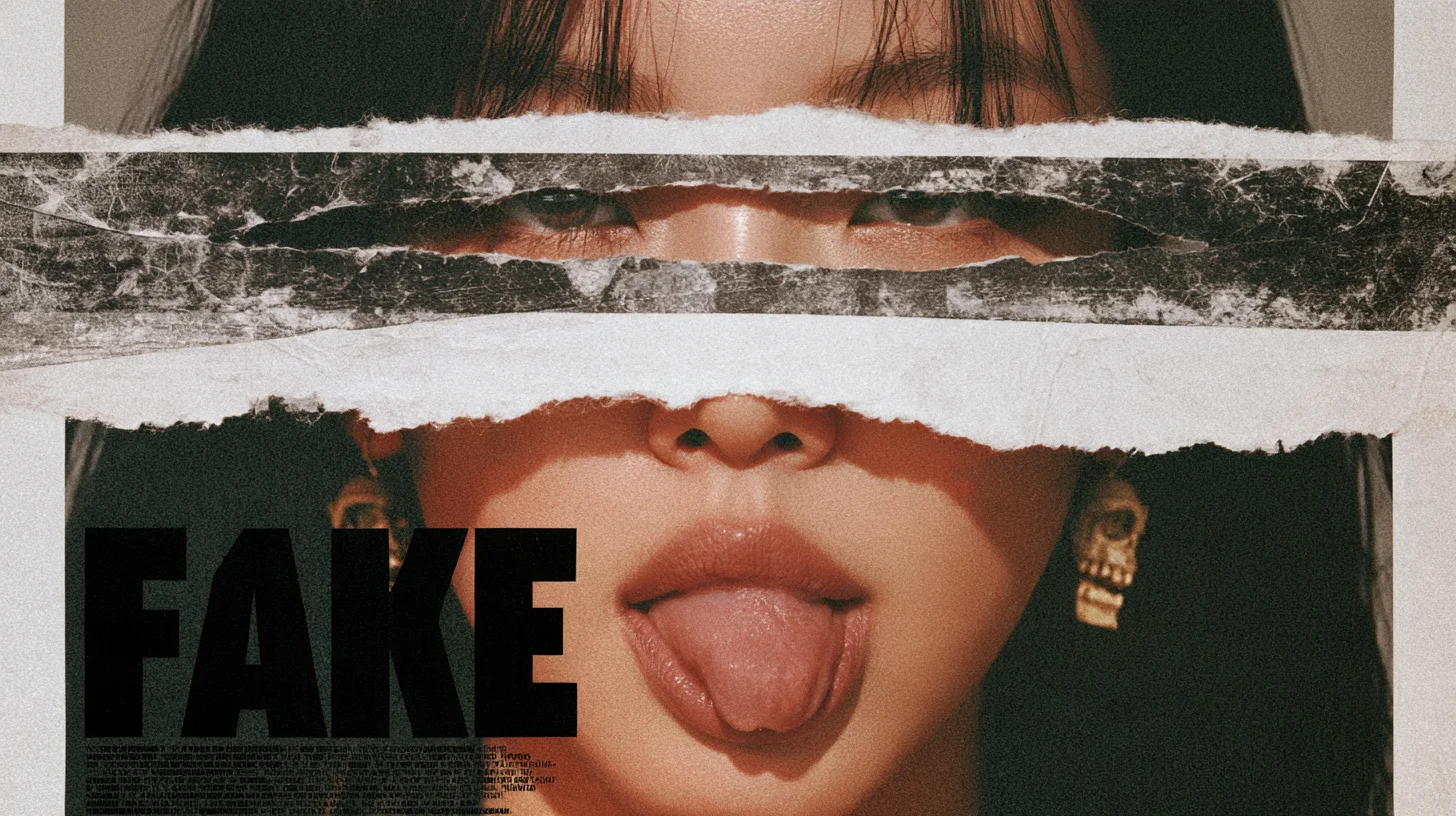
To get readable text on an AI image, put the exact words in double quotes, keep them short — a few words, not a paragraph — describe the type style and where it sits, and check that the tool supports your language. For prices, legal lines and anything that must be letter-perfect, add the text afterwards as a real layer. Here is how to decide and how to prompt.
Should the text be generated or added later?
Generate text only when it is part of the picture; add it as a layer when it carries information.
- Generate it in the image: a word on a sign, a mug or a neon tube; a short poster headline in a special style; a packaging mock-up for a mood board.
- Add it as a layer later: prices, dates and discount codes; legal lines and small print; every language version of an ad.
Quote the exact words and keep them short
Most image models treat words in double quotation marks as the text to draw.
- Midjourney reads only text in double quotes as words to put in the image — single quotes and apostrophes don't work.
- Midjourney says shorter words and phrases come out more accurately.
- Google's Imagen prompt guide advises 25 characters or less, and two or three phrases at most.
Describe the type and where it goes
Name the style and size of the lettering, not a font name, and say where it sits.
- Style: "bold condensed sans-serif", "hand-painted script", "chunky 3D letters".
- Size: Google's guide says "small", "medium" or "large" helps steer the result.
- Place: "large headline in the lower left on the plain paper area".
- Google warns that exact font replication isn't reliable and placement can vary.
Check the language before you prompt
Not every model writes every alphabet, so check before you plan a Ukrainian or Polish headline.
- Midjourney's text guide supports standard Latin (English) characters.
- Canva's Craft model, launched in October 2026, renders on-image text in 55 languages and plans the layout and text hierarchy before drawing.
- Google lists "advanced text rendering" for menus, infographics and marketing assets among the strengths of its Gemini image models (Nano Banana).
Proofread, then fix only the letters that went wrong
Read every generated word letter by letter before the image goes anywhere.
- Generate a few versions — Google says text may need several tries.
- In Midjourney, try --style raw or a lower --stylize value if the text keeps coming out wrong.
- Fix a single wrong letter with Vary Region instead of rerolling the whole image.
- Still not right? Remove the text and set it as a layer.
More on the basics in our AI image glossary and the story of Canva Craft. See finished visuals in our imagery portfolio. Need campaign images with clean, on-brand text? Tell us about your project.
P.S. The caption under the cover image is a ready-to-use prompt. Copy it into Midjourney, Higgsfield or any image generator and make your own version.