Canva Craft: what Canva's own image model means for design
Canva's first in-house AI image model, Craft, makes 2K images in 30+ aspect ratios with text in 55 languages. What it changes for brands and creators.
By Olena, me20 Studio · 3 min read
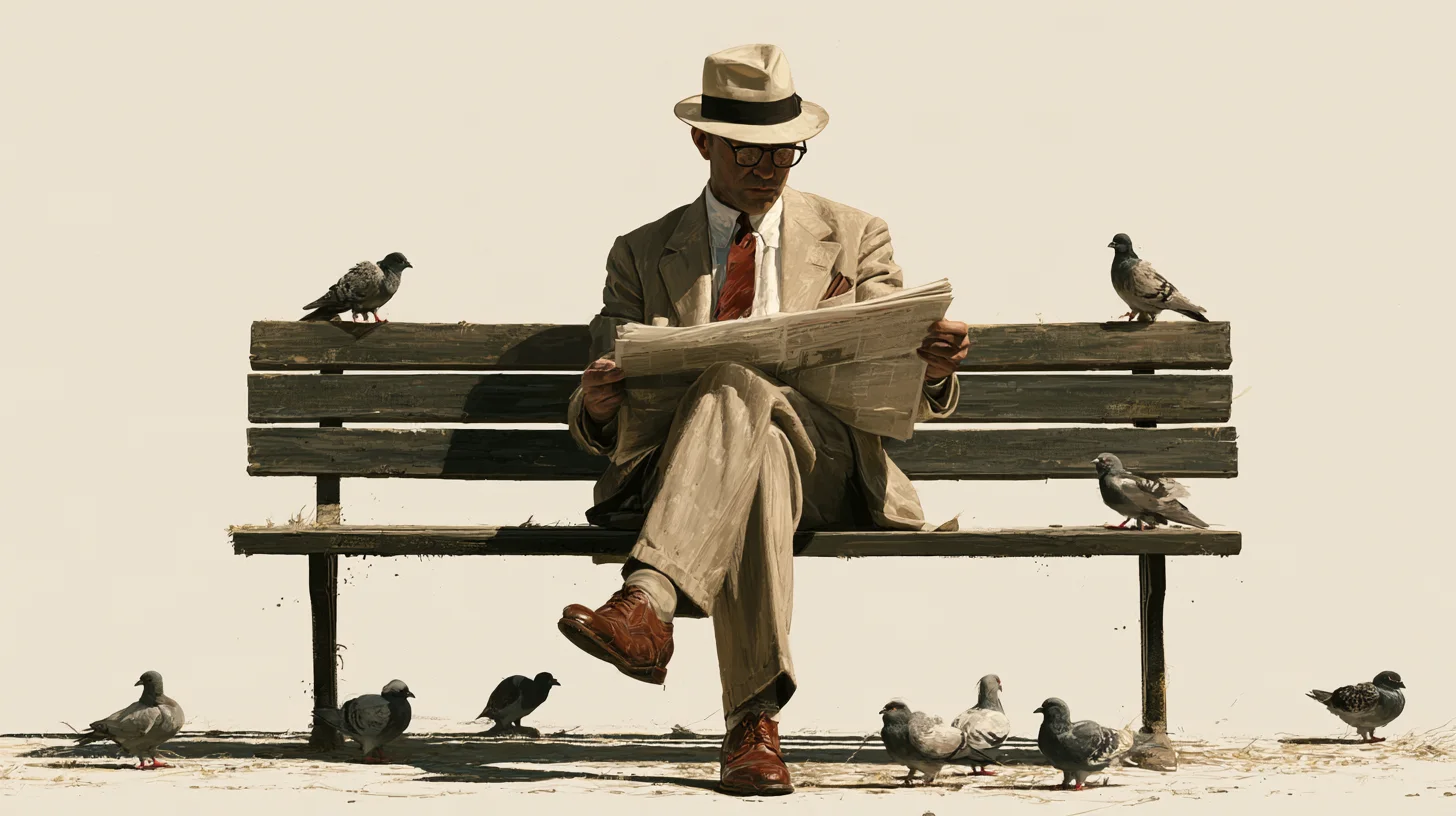
Canva has launched Craft, its first image model built in-house, and it is available to all Canva users in Dream Lab from today. Craft makes 2K images in more than 30 aspect ratios, writes on-image text in 55 languages and was trained on designs rather than photos, so it is aimed squarely at posters, social posts and ads.
What is Canva Craft?
Canva Craft is an image generation model made by Canva Research, the company's own AI lab. Until now, Dream Lab ran on partner models; Craft is the first one Canva built itself, and the partner models stay available next to it.
- 2K images, more than 30 preset aspect ratios or your own
- prompts in any language, on-image text in 55 languages
- available to all Canva users globally, and through Canva's public API
Craft plans the layout before it draws
Craft works in two stages: first it plans the image, then it renders it. The plan covers what objects go where, how big they are, what is most important and what text must appear. A second step turns that plan into the final picture.
Canva says this is what keeps text legible and objects well placed in busy layouts. It also allows targeted changes to one part of an image without redrawing everything else.
Trained on designs, not photographs
Canva trained Craft on millions of human-made templates from its own library, such as posters, menus, infographics and slides. It then compared Craft with leading models in more than 25,000 head-to-head image pairs. On the DesignArena leaderboard, Canva says Craft debuted fourth overall and first for People & Portraits and Landscapes & Nature — those rankings are Canva's own claims.
What it changes for brands and creators
For everyday content, Craft shortens the path from idea to an editable design. Canva's Magic Layers can turn a generated image into layers with editable text and objects, and Craft's layout plan is built to help with that.
- Good fit now: social posts, posters, menus and slides; quick concepts with headline text; one visual in several languages.
- Better with other tools for now: matching an exact product photo, work that needs reference images, high-end campaign key visuals.
How to try it, and what is still coming
Open Dream Lab from the bottom-left panel in Canva, choose your aspect ratio and write the prompt, including any headline you want on the image. Developers can call Craft through Canva's API.
Still on the way: more editing tools and reference-image support, the Canva MCP server for AI assistants, and two cheaper variants, Craft-fast and Craft-ultrafast. Canva has not given dates or prices for them yet.
New to formats and terms? See our aspect ratio cheat sheet, the AI image glossary and our imagery work. Need campaign visuals that stay on-brand? Tell us about your project.
P.S. The caption under the cover image is a ready-to-use prompt. Copy it into Midjourney, Higgsfield or any image generator and make your own version.