Lifestyle vs packshot: which product images AI should make
Packshot or lifestyle shot? Which product images AI can safely make, which pixels must stay real, and what Google Merchant Center asks of each type.
By Olena, me20 Studio · 3 min read
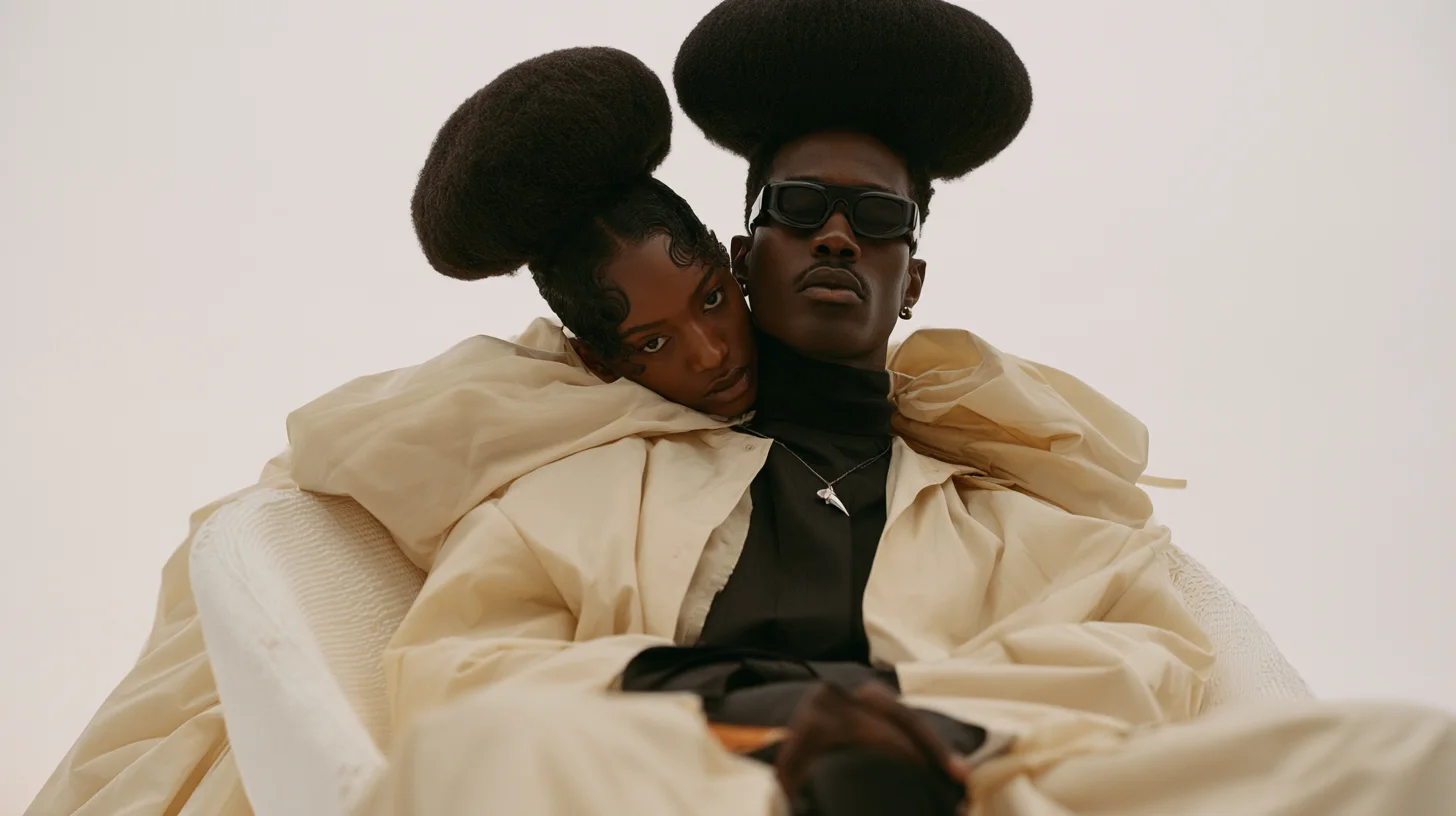
AI is great at lifestyle images — the room, the model, the season around your product — and risky for packshots, where the shopper expects the exact item they will receive. A simple rule: let AI build the world, but keep the product itself real. Here is how to split the work and what Google Shopping expects from each type.
Packshot and lifestyle images do different jobs
A packshot shows the product alone on a clean background; a lifestyle image shows it in use or in a real setting.
- Packshot (main image): Google Merchant Center asks for an unobstructed, clean view of the exact item, focused only on the product and filling 75–90% of the frame.
- Lifestyle image: a model wearing the clothes, a sofa in a room, a full set on a table. Merchant Center has a separate lifestyle_image_link attribute for these — up to 5 per product, at least 600×600 px.
Packshot: start from a real photo, use AI to clean it
For a packshot, AI should edit a real product photo, not invent the product.
- Good AI jobs: removing or replacing the background, evening out light, removing dust and scratches, extending the canvas to a new ratio, upscaling.
- Keep real: shape, proportions, label text, stitching, materials and colour.
- Variants: Google asks for a unique image for each variant, showing only the colour or style being sold.
Lifestyle: let AI build the scene around the real product
Lifestyle images are where AI saves the most time: one product, many settings, without a location shoot.
- Generate the room, the light, the season or the model, then place the real product photo into the scene.
- Change only the area you need: region edits such as Vary Region in Midjourney or the "Edit one region" box in Krea 3 leave the rest of the image untouched.
- Google's own Product Studio in Merchant Center can also generate custom scenes behind a product.
Keep both images free of ads and borders
Shopping images are not banners, so the text and graphics go elsewhere.
- Merchant Center rejects promotional text, prices, calls to action, watermarks and logos on product images — lifestyle images included.
- No borders or padding to reach the aspect ratio: generate or extend the scene to the right size instead.
- Prices and offers belong in your ads, emails and social posts as text layers.
Label AI images and check them before upload
Google requires AI-generated product images to keep metadata that says so.
- Merchant Center names the IPTC DigitalSourceType tag; don't strip it when you export or compress.
- IPTC has a separate value for images edited with generative AI (compositeWithTrainedAlgorithmicMedia), which fits a real product placed into an AI scene.
- Before upload, hold the real product next to the screen: colour, size against hands or furniture, label text.
More on getting the colour right is in keeping true product colour in AI photos, and the full platform rules are in AI product photos on marketplaces. See finished work in our imagery portfolio. Need packshots and lifestyle images for a launch? Tell us about your project.
P.S. The caption under the cover image is a ready-to-use prompt. Copy it into Midjourney, Higgsfield or any image generator and make your own version.